In 2014 renowned Dutch politician Neelie Kroes, then a commissioner for the European Union, stated that coding should be taught in elementary school in the Netherlands, arguing that “Coding is the reading and writing of the future” and that if the Dutch didn’t incorporate it into their education system it would fall behind school systems in other countries. The reactions to both Kroes’ statement and Michael Kilkelly's article "5 Reasons Architects Should Learn To Code" were quite similar. Those already capable of writing code agreed; many who have never even seen, let alone written any script responded negatively. Many reactions to Micheal Kilkelly's article covered the same ideas: “There's no time!” “Coding is not designing!” Or just plain, “No!”
CAD: The Latest Architecture and News
Architects And Coding: Why You Should Treat Your Software Like Your Smartphone
What Is The Role Of Hand Drawing In Today's Architecture?

Update: We have now published our follow-up article of readers' responses - see it here.
Are Computers Bad for Architecture?

In his articles for ArchSmarter, Michael Kilkelly often praises the value of computers and automation, a sometimes controversial viewpoint with plenty of supporters on either side. In particular, his previous post on ArchDaily, "5 Reasons Architects Should Learn to Code" provoked a significant discussion. But what is the value of this automation? In this post originally published on ArchSmarter, he expands on his view of what computers can be useful for - and more importantly, what they can't.
I write a lot about digital technology and automation here on ArchSmarter, but deep down inside, I have a soft spot for all things analog. I still build physical models. I carry a Moleskine notebook with me everywhere. I also recently bought a Crosley record player.
I can listen to any kind of music I want through Spotify. The music world is literally at my finger tips. Playing records hasn’t changed what I listen to but it has changed how I listen to music. There’s more friction involved with records. I have to physically own the record and I have to manually put it on the turntable. It’s a deliberate act that requires a lot more effort than just selecting a playlist on Spotify. And it’s a lot more fun.

Hand vs. Computer Drawing: A Student's Opinion
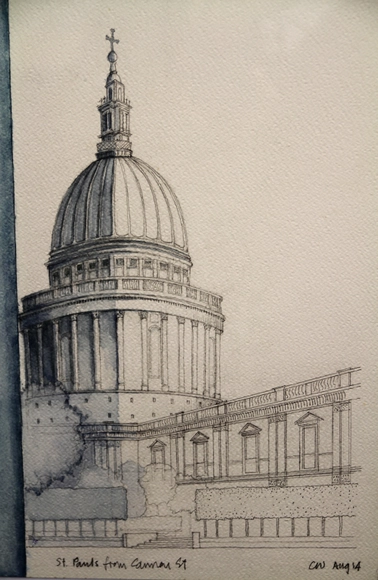
In the debate about how architects - both present and future - represent our ideas, it is easy to find a lot of articles supporting both sides. One can read as many arguments as they want and find valid points supporting both hand-drawing and computer production. One could argue that there is nothing prettier than a well done hand-rendering of a project. Another could say that, although hand-drawing is something that catches the eye, it is not practical at all, takes longer than doing it on the computer and does not allow architects to easily modify it.
There is however another facet that does not come up as frequently as it maybe should: how does this discussion affect students? I believe we lie in a cross-fire, between the idea of what architects do and what they actually do.
5 Reasons Architects Should Learn to Code

In his popular post on how architects can "work smarter, not harder," Michael Kilkelly suggests that you should "customize your tools to work the way you work" and "use macros to automate repetitive tasks." Both sound very helpful of course, but wouldn't those require you to to write some code? Yes - but according to Kilkelly this should be a tool available in every architect's toolkit. Originally published on ArchSmarter, here he offers 5 reasons that architects should learn to code.
As architects, we need to know a lot of stuff. We need to know building codes, structures, mechanical systems, materials. We need to know how to read zoning codes, how to calculate building area, how to layout office floor. The list goes on and on. Do we really need to know how to write computer programs as well?

Free Online Architecture and Design Courses

Thanks to the increasing popularity of massive open online courses -- or MOOCs as they’re commonly referred to -- learning has never been easier (or more convenient). Sites like Coursera and edX offer free classes online from accredited and well-known universities across the globe, including Harvard, MIT and the University of Hong Kong. While some classes are more structured and include a set lesson plan, homework assignments, quizzes and the option to receive a certificate at the end, others can be set at your own pace and approached more independently.
Following our wildly popular article on Four Ways to Learn About Architecture for Free, we’ve compiled a list of upcoming online classes related to architecture, engineering, urbanism and design. So whether you’re looking to embark on a new topic or dive deeper into an already familiar subject, take a look at these free online courses after the break.
Portable Precision: Scale Drawing On iOS
Arrette Scale have released an update ($8.99) for their iOS app which addresses the level of precision and dexterity in the use of the Edge Tools, which have new controls and behavior. The app itself has proved popular among architects, aiming to provide designers with a simple, familiar drawing environment usable by anyone comfortable with traditional drawing tools. Allowing users to digitally review work by sharing ideas and drawings, Arrette’s platform welcomes incremental design changes and collaboration on iPad without the need for printing reams of paper.
Find out what's new after the break.
Report Ranks Best BIM and Building Design Platforms for 2015
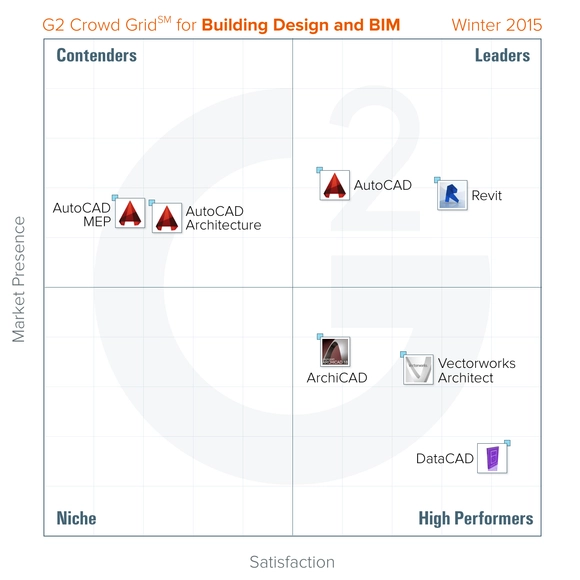
The first Grid℠ winter report from G2 Crowd has been released, placing DataCAD as the CAD software delivering the highest overall levels of customer satisfaction.
Using over 180 reviews from industry professionals, the Grid℠ plots software satisfaction levels against market presence (determined by vendor size, market share, and social impact), categorizing products as a "Leader," "High Performer," "Contender," or "Niche." G2 Crowd's review platform encompasses all CAD software widely used within architecture and construction, ranging from BIM to tools and libraries for mechanical, electrical, plumbing, and architectural design and construction.
Autodesk Launches AutoCAD 2015 For Mac

This week Autodesk launched the latest (2015) release of AutoCAD for Mac, featuring a number of enhancements that seek to bring new improvements to the drafting and design software package without sacrificing important functionality, key to people's everyday design workflows. According to Amy Bunszel, VP of AutoCAD, "this release has some rich new features but, at its core, is about eliminating dead ends that prevent people from being as effective as they can be when working together on design projects." For example, users can also share their work with colleagues that are using Windows versions of the software for uninterrupted collaboration.
See the new features in full after the break...
ArchDaily's Most Useful Articles of All Time

As summer draws to an end and we enter into the last quarter of 2014, we decided to round-up a selection of the most useful articles we've published over the past three years. Ranging from The 40 Architecture Documentaries to Watch in 2014 to The 10 Most Overlooked Women in Architectural History, we've also brought together app guides, career tips, and city guides. Alongside links to open-source CAD files and cut-out people, we've also featured book recommendations, study tips, and links to our complete coverage of some of the world's major architectural events and prizes. Delve into our collection and discover what our readers have found most useful!
Free CAD Files of 241 Major World Cities
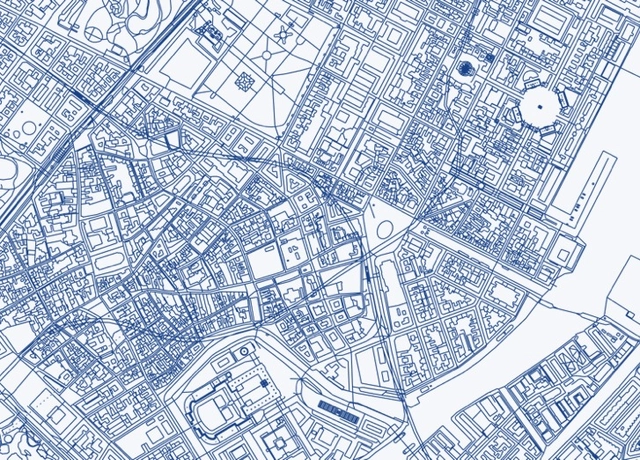
Creating designs for cities all over the planet may have just gotten a whole lot easier - thanks to Brandon Liu, a Software Developer from San Francisco who used data from OpenStreetMap to create .DXF CAD files of 241 major cities worldwide. These files are entirely free to download, and from San Francisco to Sydney, Buenos Aires to Beijing and Helsinki to Harare, most of the world's major cities are included.
Top 10 Technical Apps for Architects
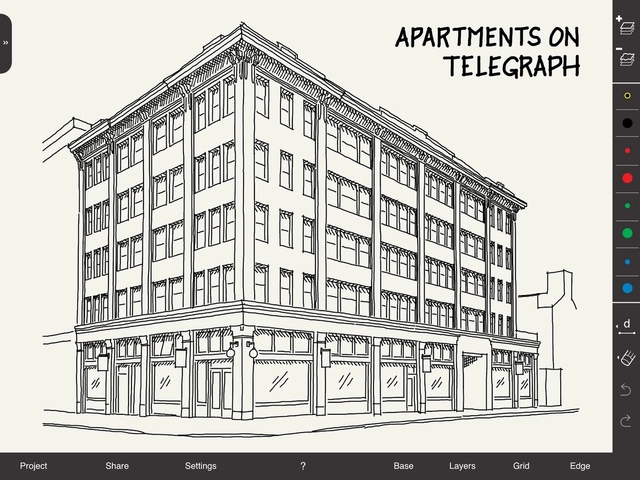
Building upon our Top 10 Apps for Architects, this collection brings together some of the best quality and most valued technical apps for designing, sketching, calculating and collaborating. Although the majority of those featured here are designed solely for the iOS platform, every time we collate lists such as these it's clear that more and more high quality apps for the Android and Windows platforms are being developed. From condensed versions of large scale software packages that architects and designers use every day, to blank canvases to scratch ideas down onto, you might just find an app that could improve the way you work.
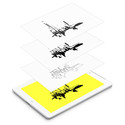


App Review: Arrette Scale - Precision Scale Drawing
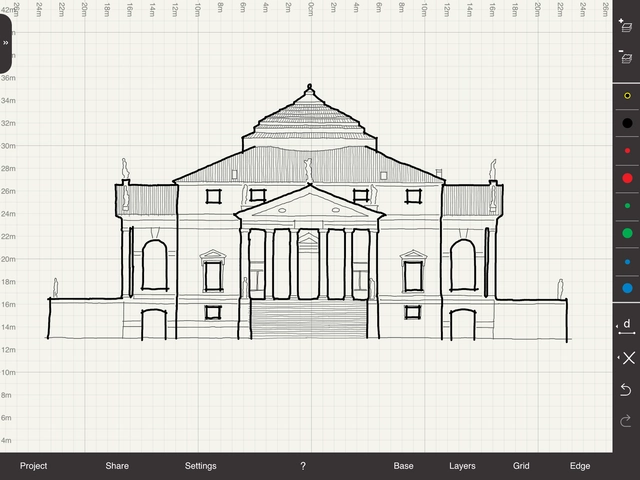
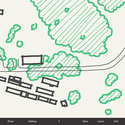
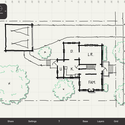
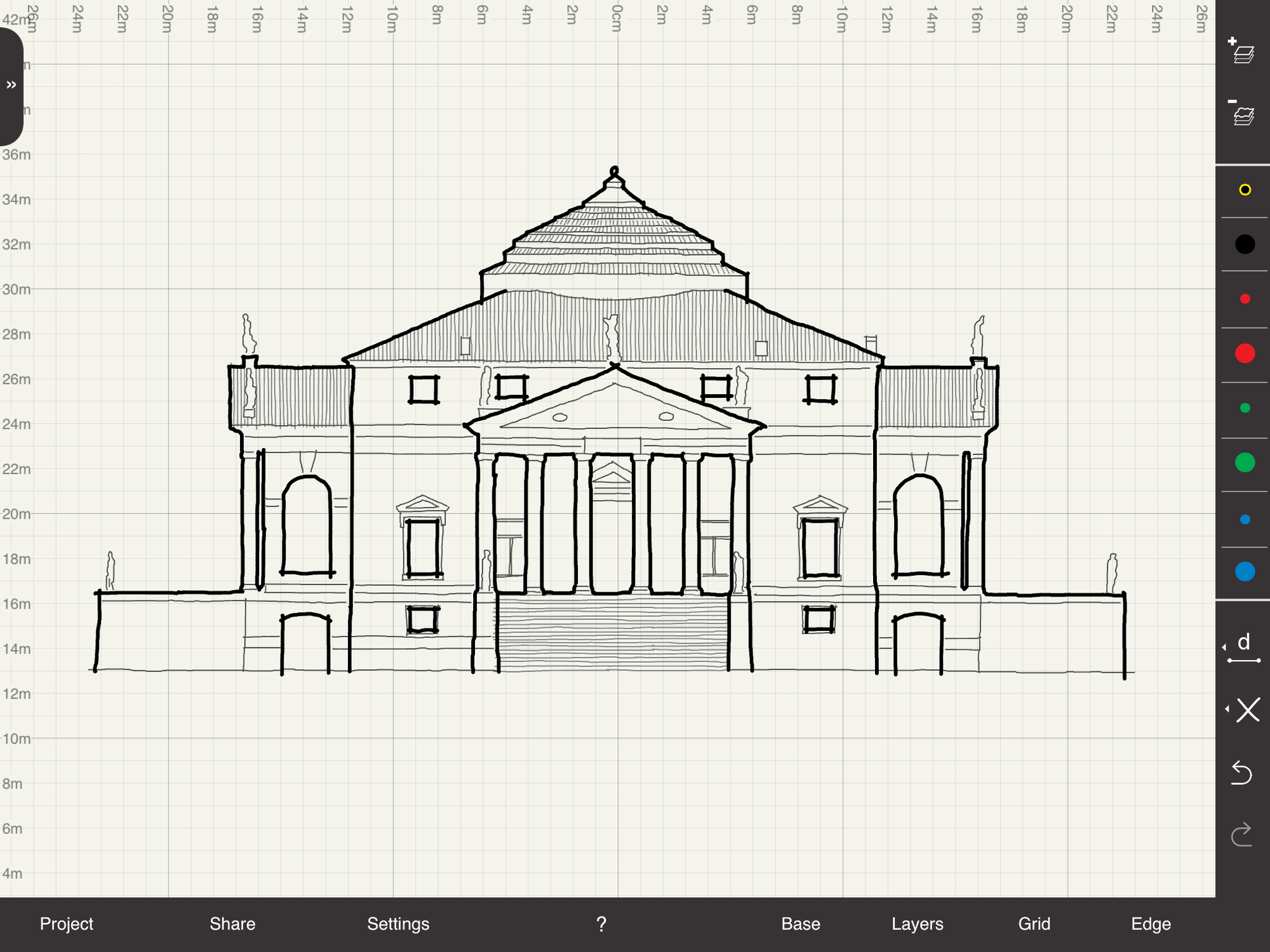
Part of an increasing trend of apps which allow precision scale drawing, Arrette Scale seeks to provide designers with a simple, familiar drawing environment usable by anyone comfortable with traditional drawing tools. Allowing users to digitally review work by sharing ideas and drawings, Arrette's platform welcomes incremental design changes and collaboration on iPad without the need for printing reams of paper.


Archibot to Print CAD Data "Error Free" onto Construction Sites

Archibot, a project currently being developed by South Korean architectural designer Han Seok Nam, aims to "revolutionize" how architects and contractors work on construction sites by printing digital CAD plans onto the ground "error free." Having recently been granted a patent, the robot seeks to avoid the human errors associated with interpreting information from construction documents.
According to Nam, a contractor "will be able to grasp exactly where the door and the wall needs to be constructed by having the construction documents be printed directly onto the site without measurements. Errors will be easily detectable since the construction document can be directly compared to a life-size print out directly on the construction site." It would be "just like following a map and driving towards a destination."
See a video of the robot at work, after the break...
Autodesk Launches Foundation Aimed to Solve "Epic Design Challenges"

Autodesk has launched the Autodesk Foundation, an organization which will "invest in and support the most impactful nonprofit organizations using the power of design to help solve epic challenges." In an effort to aid those tackling global issues such as "climate change, access to water, and healthcare," the foundation will provide select design-oriented grantees with software, training and financial support.
Light Matters: Can Light "Cheat" In Simulations?

In recent years the use of CAD and simulation programs has resulted in a new understanding of light in architecture. The drawing board and its lamp have given way to the self-illuminating monitor. The result is that concepts in architecture are now made of light from the very first mouse click. In the visualisation process, luminous space now predominates.
However, this begs the question: has the luminous impression (part and parcel of the perfect, rendered setting) become more important than the engineering or architectural concept itself? With the improved interplay of shades, contrast, and brilliance, can lighting actually obscure the point of a realistic simulation?
More Light Matters, after the break…