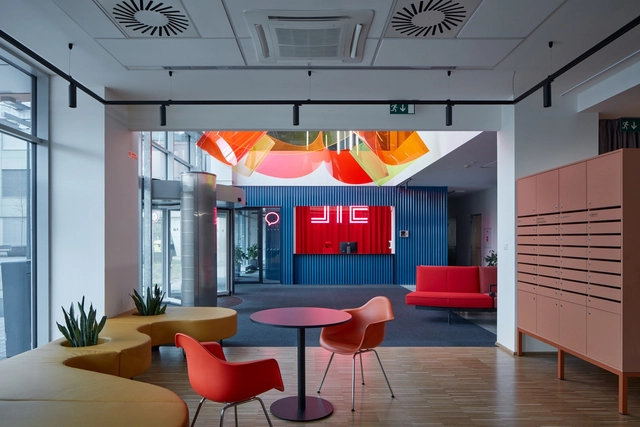
When a brief to design a new office space asks for something fresh, energetic, and modern – a space where employees enjoy being and, crucially, enjoy working in, which helps them to focus on individual tasks but also to relax, collaborate, and create – there are few better places to begin than a color wheel. As the world of work and the varied environments it takes place in become less formal and restricted in their design, architects, designers, and, more importantly, their clients are handing the boring, monotone office its redundancy papers and looking outside the establishment at more expressive colorful options.
While blue’s ability to improve concentration, stimulate thinking, and provide mental clarity helps to increase productivity, the human body needs regular periods of rest and relaxation, too. For this, warm colors like yellows provide relaxation through warmth and comfort – perfect for break-out areas. Meanwhile, reds and oranges promote creativity and expression, meaning they can be useful for areas designated for social collaboration, whilst green encourages a calmer, more balanced approach, for a different kind of meeting.
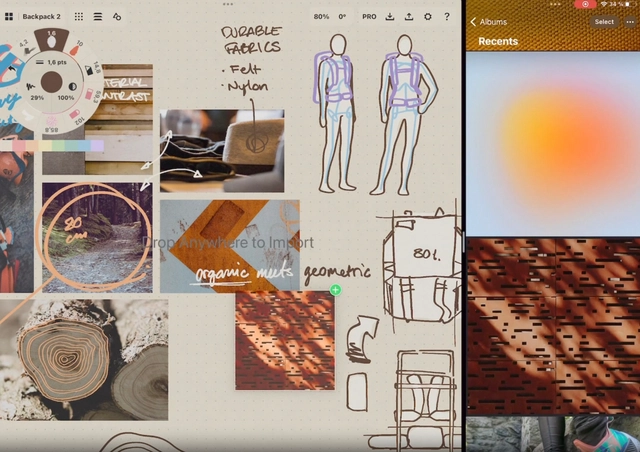
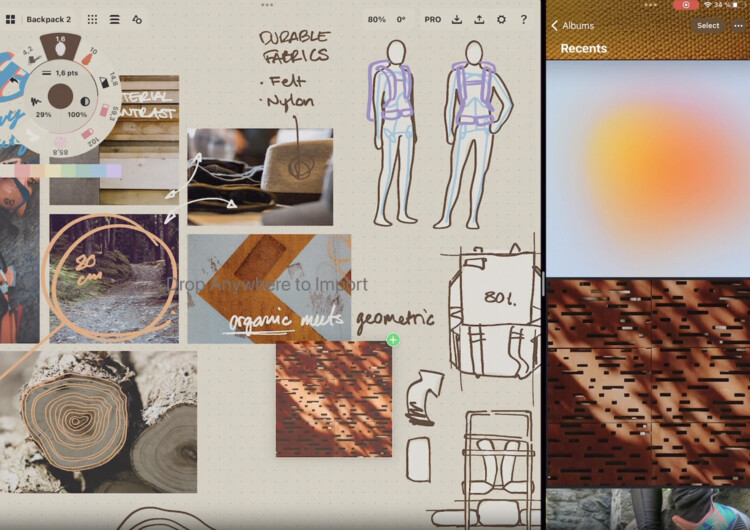
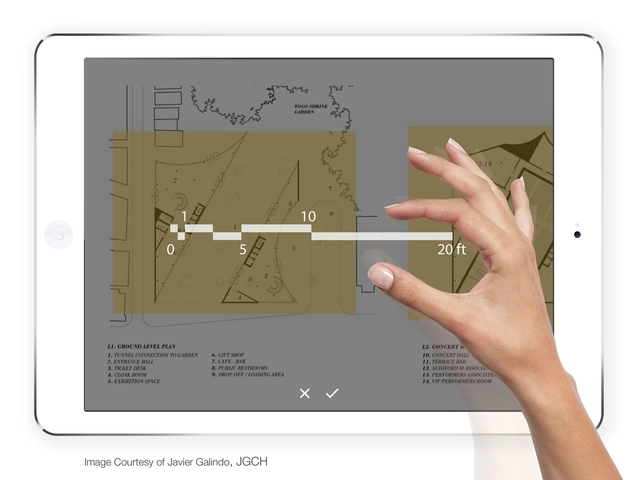
Smartphones and tablets have become so powerful that has abruptly changed the concept of workshops since the introduction of apps into the architecture industry. They have generated a more productive and efficient workflow on-site or on the go, covering different aspects of the field with versatility and variety. While some are specific to professionals, others appeal to every architecture enthusiast, with user-friendly interfaces, simplified navigations, and reachable information.
ArchDaily has selected the best architecture apps in 2023 featuring technical drawing and modeling essentials, sketching canvas for all levels, construction and management platforms, toolbox apps, and interfaces to get inspiration from.
With a very fast-paced life, we are becoming more and more accustomed to utilities that can make our workflow easier, more productive and efficient especially when some of us are always “on the go”. Our mobile devices, tablets, and laptops are gaining prominence every year, offering us more suitable and useful applications. Read on to discover the top architecture applications for 2019, with recurring big names and newcomers on the tech scene.
There’s no doubt that architects spend a lot of time in front of a desktop, be it virtual or three-dimensional. In fact, although this statistic is not exclusive to architects, the average time a person now spends sitting down per day is 7.7 hours; in the United States the average is an unbelievable 13 hours. Of course this includes time spent on the train, watching a movie on the sofa, or a whole range of other seated activities, but the vast proportion of this time is likely to be spent working by a desk or laptop.
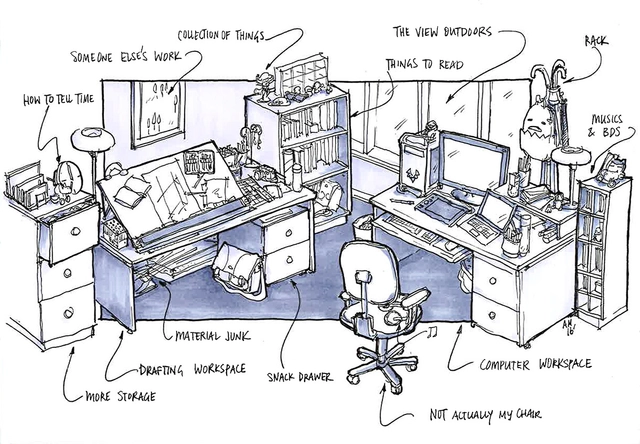
How can you improve the quality of that time, so it’s both well spent and, ideally, minimized? To have a more efficient, productive—and most importantly, more pleasant—time at work, here are 13 ways to improve your physical and digital workspace.
Architects are often noted for having bad work-life balance, a lot of stress and little free time. How can you take time off while still improving your skills as an architect? Can that time off even give you an extra edge? Compared to other fields, architecture stands out as a field in which you need to “know a little bit about everything." Thus, in order to live up to our name we must also do a little bit of everything, and as they say, a little goes a long way. So with that in mind, here are 11 activities which, while not obviously architectural, just might make you a better architect.
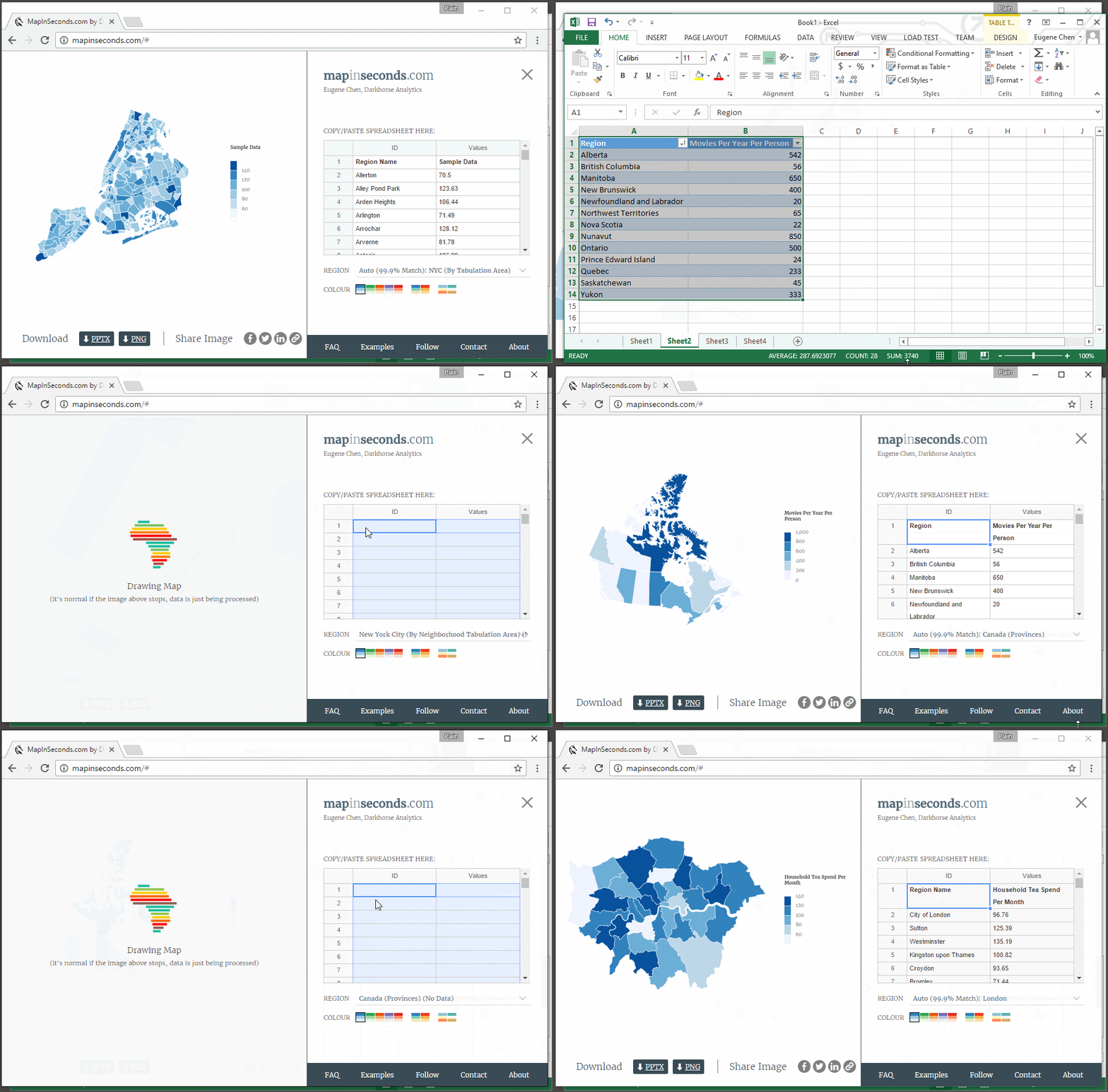
Have you ever had to create a map for your project, thinking you could get it done within 30 minutes, but then spent an entire afternoon on it? Between collecting data, creating a base map, choosing a color scheme, and finally putting together a graphic, creating a map can be a long, trying process, taking up precious time when you could be doing other work. Map-making shouldn’t be this way.
Created by Darkhorse Analytics, mapinseconds.com is a free online productivity tool which generates clear, quality maps based off of your data. Here’s how it works: collect and organize your data into two columns on either an Excel or Google spreadsheet, open mapinseconds.com, paste your data into the application’s spreadsheet, and voila! Your custom map is finished!
This article was originally published on Brandon Hubbard's blog, The Architect's Guide.
In a previous article, Should You Become An Architect?, I touched on the issue of long working hours within the profession. Since this is such a common talking point for architects, I decided to expand on the topic.
First, let's define what is a "better architect." Is it being more productive? Regularly promoted? Highly paid? Someone who produces excellent design solutions?
Usually, all of these characteristics tend to flow together. If you are a skilled designer you are likely to be compensated and promoted accordingly. So if being good at your job leads to fame and fortune, is productivity the key to excellence?
Architecture can be demanding. As designers, we perform enough roles to fill a Shakespearean drama - from artist, scientist, and mathematician, to economist, cartographer, and writer. Fortunately, one trait many of us share is curiosity - a willingness to embrace new ideas, continually asking how we can improve ourselves and the world around us. The internet, therefore, is somewhat of an architect’s playground - a labyrinth of inspiration, ideas, and hacks.
As the internet continues to respond to societal needs, browsers such as Google Chrome are hosting an array of clever gadgets to enhance productivity, many of which you may not be aware of. From page rulers and palette generators to screen recorders and time trackers, designers can equip their browser with an arsenal of icons to rival a CAD toolbar. Below, we’ve listed 14, just to get you started!
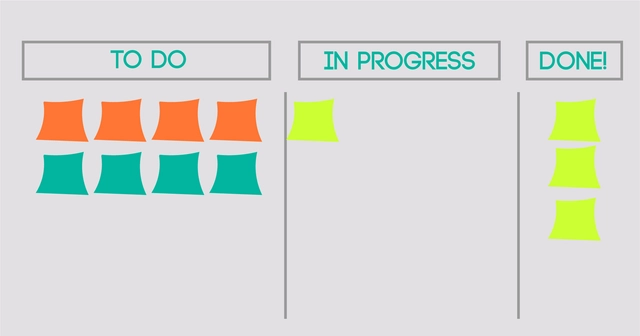
If you're reading this, you likely work in the design world, and as a result you may have heard of Scrum. It’s a design method originally introduced by Hirotaka Takeuchi and Ikujiro Nonaka in the 1980s to describe a process for product development, and later formalized for software development by Jeff Sutherland in 1995. It relies on the organization of a team and its tasks around the principles of focus and flexibility: focus on a singular task within a given time period, and flexibility in response to changing client demand, user feedback, and design challenges. Scrum keeps a project on schedule with the Sprint, where the entire team is working towards one important milestone within set dates, and continuously communicating potential impediments to hitting the deadline.
With the daily distractions of Facebook, emails and calls, it can become difficult to keep your eye on the ball. This is why having an app that tracks habits and helps you stay organized can make a huge impact on your professional and personal success.
There are numerous digital tools dedicated to optimizing workflow, communication and time management, helping business owners and freelancers realize their full potential. This can also apply to goal setting. Goals are closely connected to our daily habits. Whether you’re looking to start a new project, learn to use a new tool or launch a product, your habits will play a crucial role in moving things forward. This is why we have compiled a list of great apps and tools that will help you keep track of your work dynamic and make good habits while breaking bad ones.
https://www.archdaily.com/803660/10-apps-that-can-help-you-be-more-productive-and-make-better-architectureLidija Grozdanic for Archipreneur.com
For all the work you do in Revit, there’s a keyboard shortcut that can help you do it faster.
Here’s a roundup featuring some of my favorite Revit keyboard shortcuts to create and organize your model. Keep reading to learn how to create your own shortcuts.
This shortcut cheat sheet is also available in a convenient pdf form; simply sign up here to download it.
“OK, let me see your list.” I was fresh out of architecture school and working on my first project as a designer. It was one week before our design Development Deadline. The project manager asked me to draw up a list of remaining design issues.
“Here are the ten things I have left,” I said as I handed over the list. “It was hard to prioritize them. They’re all really important.” I was fortunate to be working with an experienced project manager who, in addition to being extremely patient with me, saw it as her responsibility to mold and shape green architecture graduates into fully functioning architects. Not an easy task...
Efficiency is the name of the game in the business world. And as any working architect knows, working at an architecture firm is as much about business as it is design - even if in architecture, efficiency can be hard to come by. By using applications that span platforms, though, you can remain efficient no matter where you go.
Following the success of our list of 22 Websites You Didn't Know Were Useful to Architects, we’ve assembled a list of 20 productivity apps to keep you on track. Whether you’re trying to keep your schedule in check, remember your passwords, or simply get the most out of your shrinking sleep time, there’s an app that can maximize your ability to do what you’re doing.
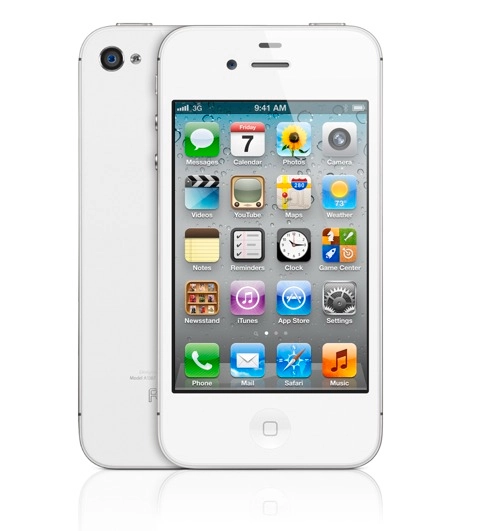
In the frenzy leading up to the iphone 5′s anticipated release last week, we asked our Facebook Fans the best thing about their smartphone (when it comes to their professional lives at least).
The answer was overwhelmingly in favor of one key feature: the camera. From snapping shots on-site to taking photos for inspiration (or just to remember later), the ease of having a camera in your phone has made your lives that much easier (and Apple fans rejoice, as the new iPhone 5′s stand-out new feature is its souped-up camera, now with low-light and panorama modes). Many also mentioned the handiness of having email, maps, and a compass always at hand.
But apart from these standard features, we also got tipped to some really useful Apps that are changing the way you work. We’ve (not very scientifically, we’ll admit) compiled them into a top 10 list…check after the break to see which Apps made the cut!