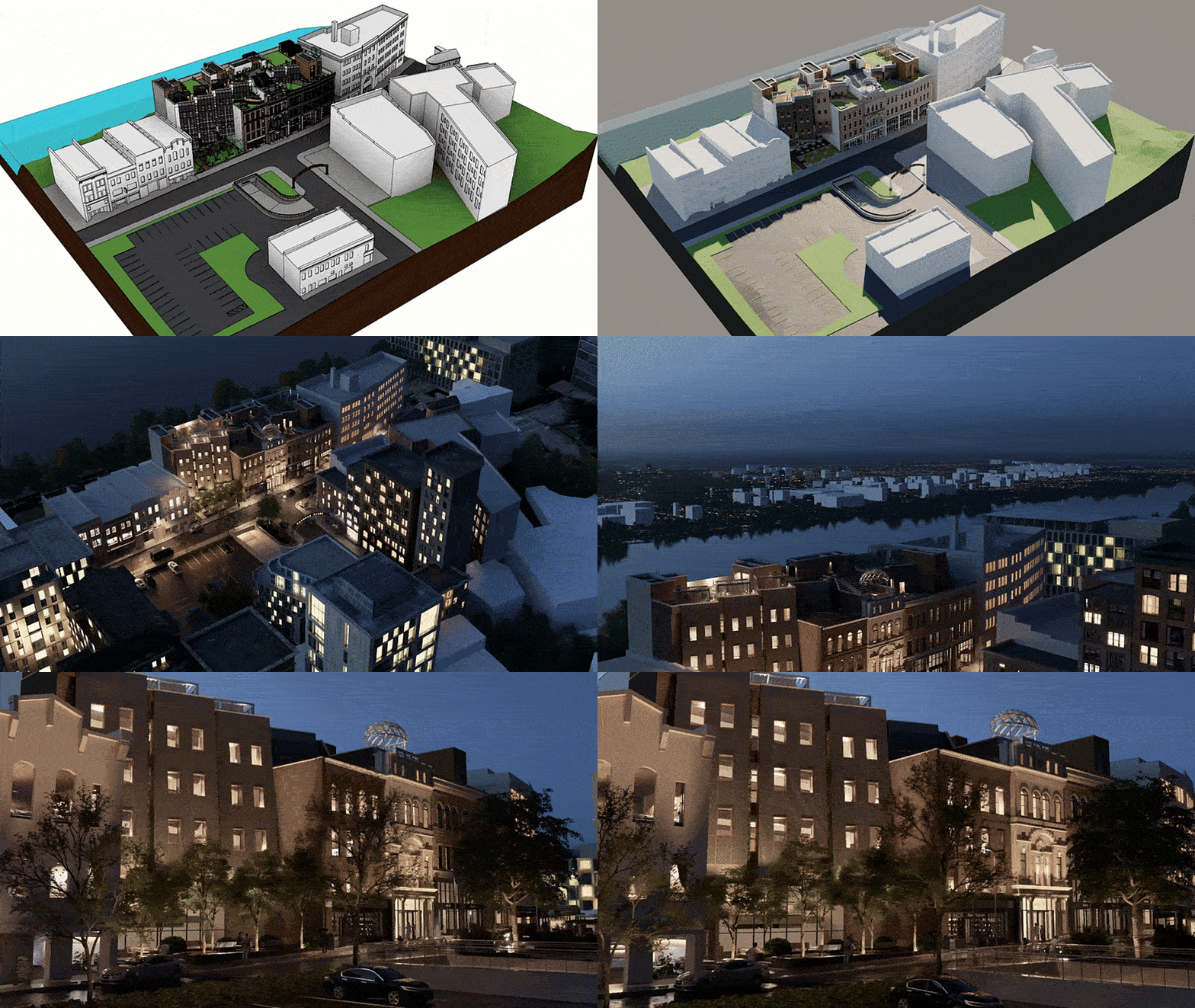
Looking for faster insight and smoother navigation around your Revit model?
Lumion View brings real-time visualization directly into Revit, providing a realistic, immersive view of your model within your familiar BIM environment.
Lightweight and always on, it allows instant ray-traced feedback, one-click conceptual styles, quick 4K renders, and much more.
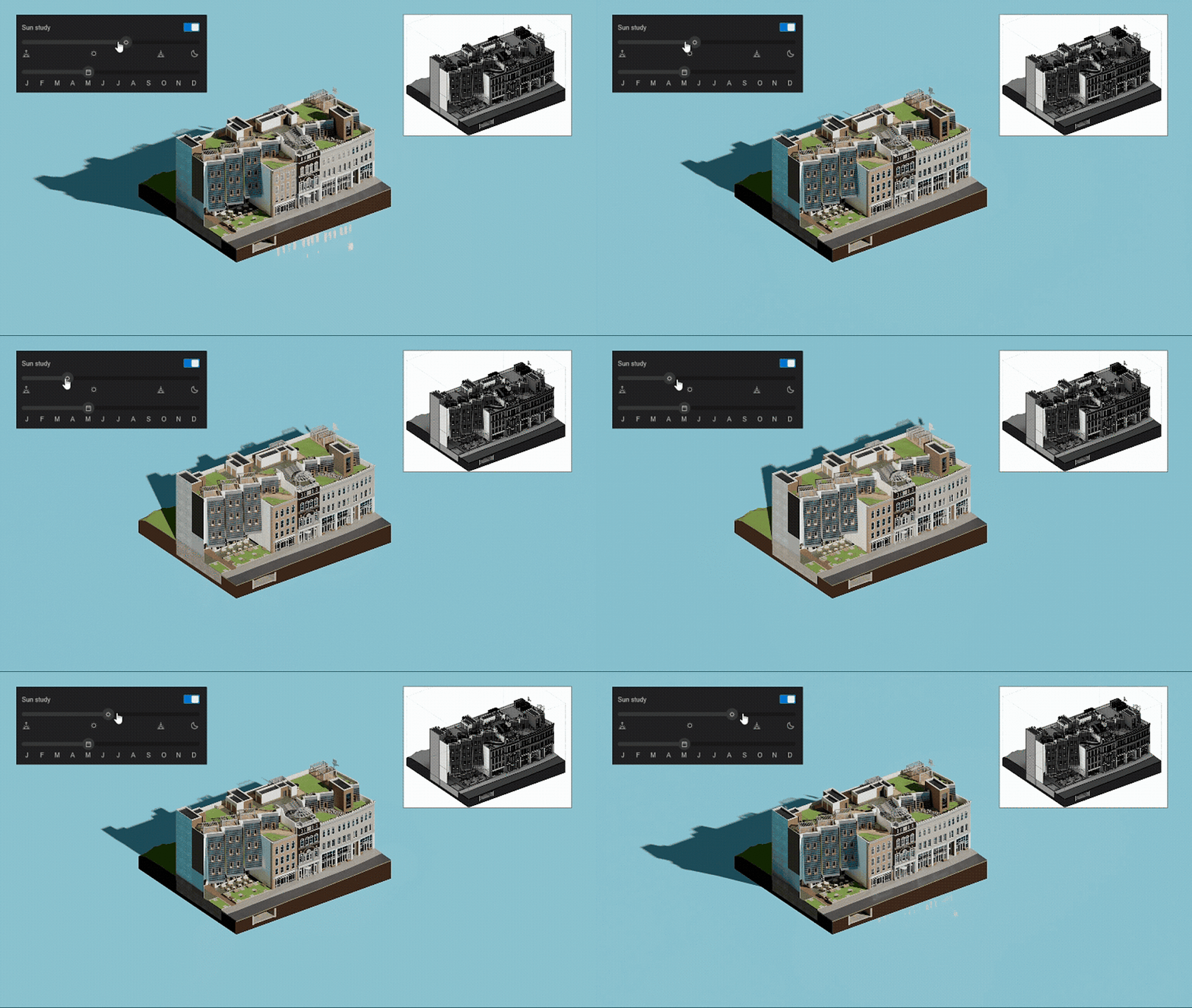
Time-of-day studies
Make confident decisions by seeing exactly how the sun and sky interact with your design—in a realistic ray-traced view. Easily select the month and time of day, then tweak the customizable settings, including sun brightness and cloudiness. You can also choose a solid background color for a cleaner look.
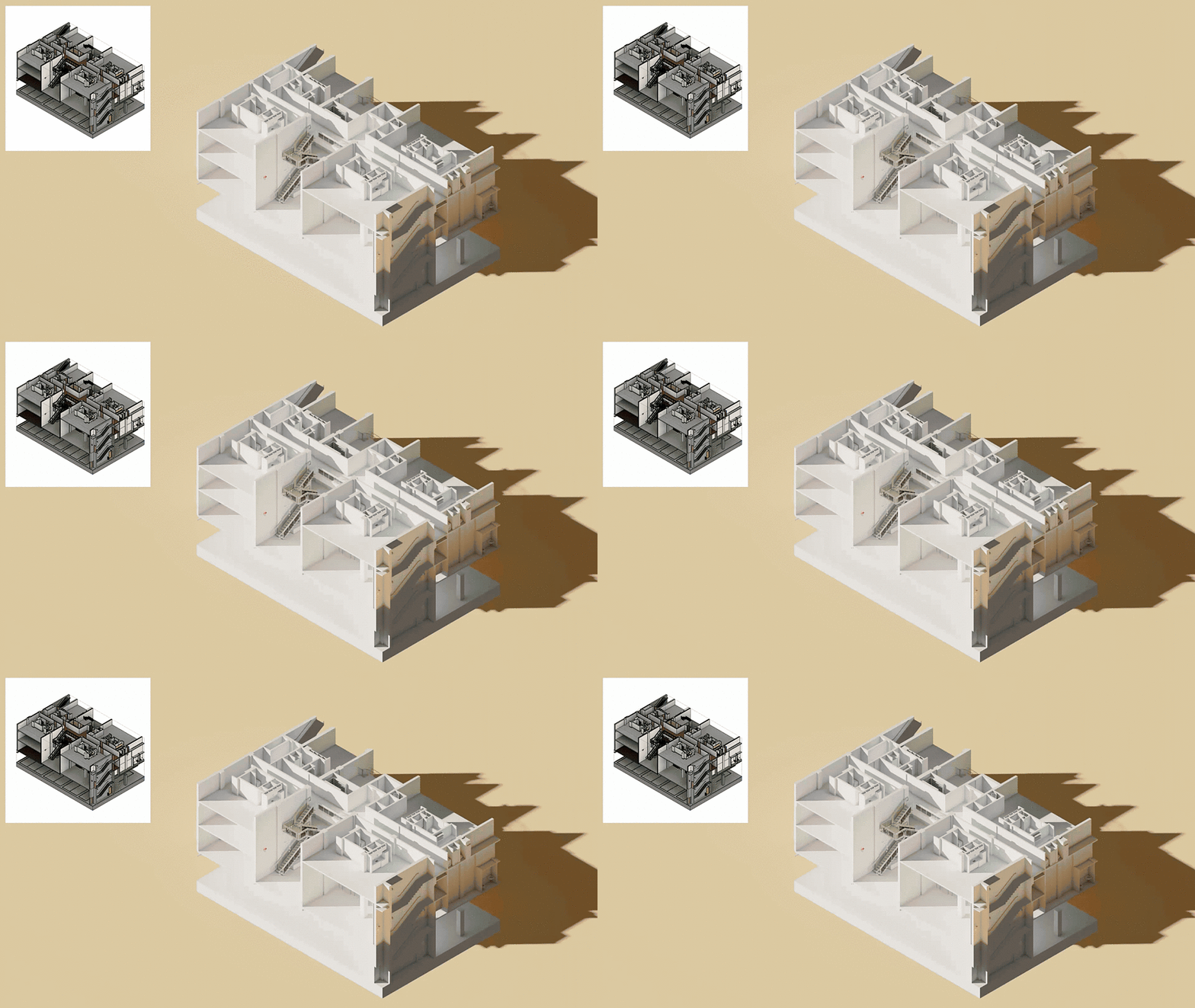
Quick diagrams
Select the visual style that best suits your design and communicate it effectively to your clients. Either go for realistic or conceptual—and select clay, wood, styrofoam, or glossy. These quick styles make for effortless diagrams to share at any point in your design process.
You can also view sections and isolated elements in sync—work on your Revit model in one window and watch it update in detail at the same time.
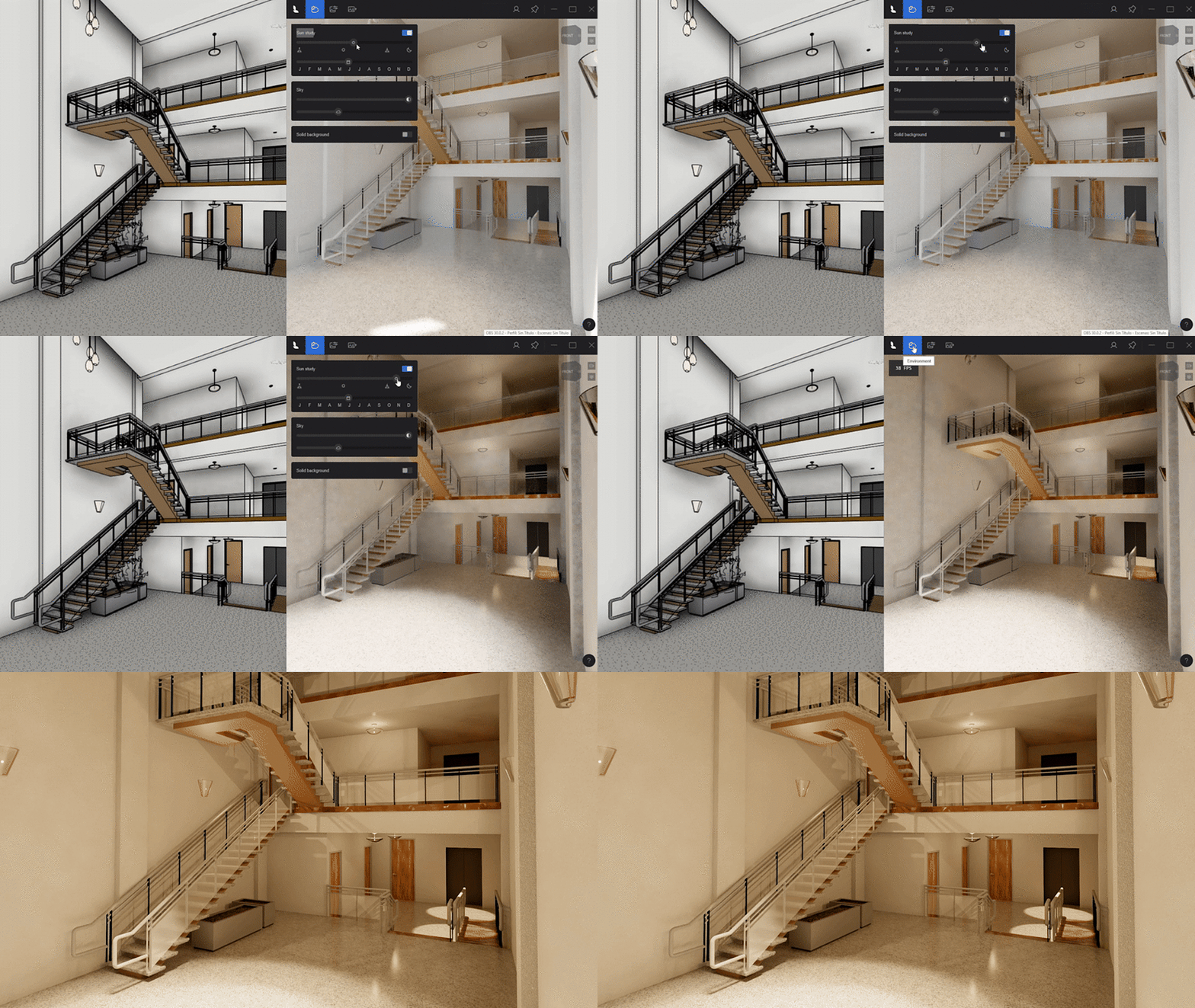
Lifelike lights and materials
With Lumion View, you can get a more true-to-life view of Revit’s PBR materials and artificial lights. Its ray-traced environment makes textures and lighting truly come alive, so you can get a clearer idea of what works and what doesn’t—in real time.
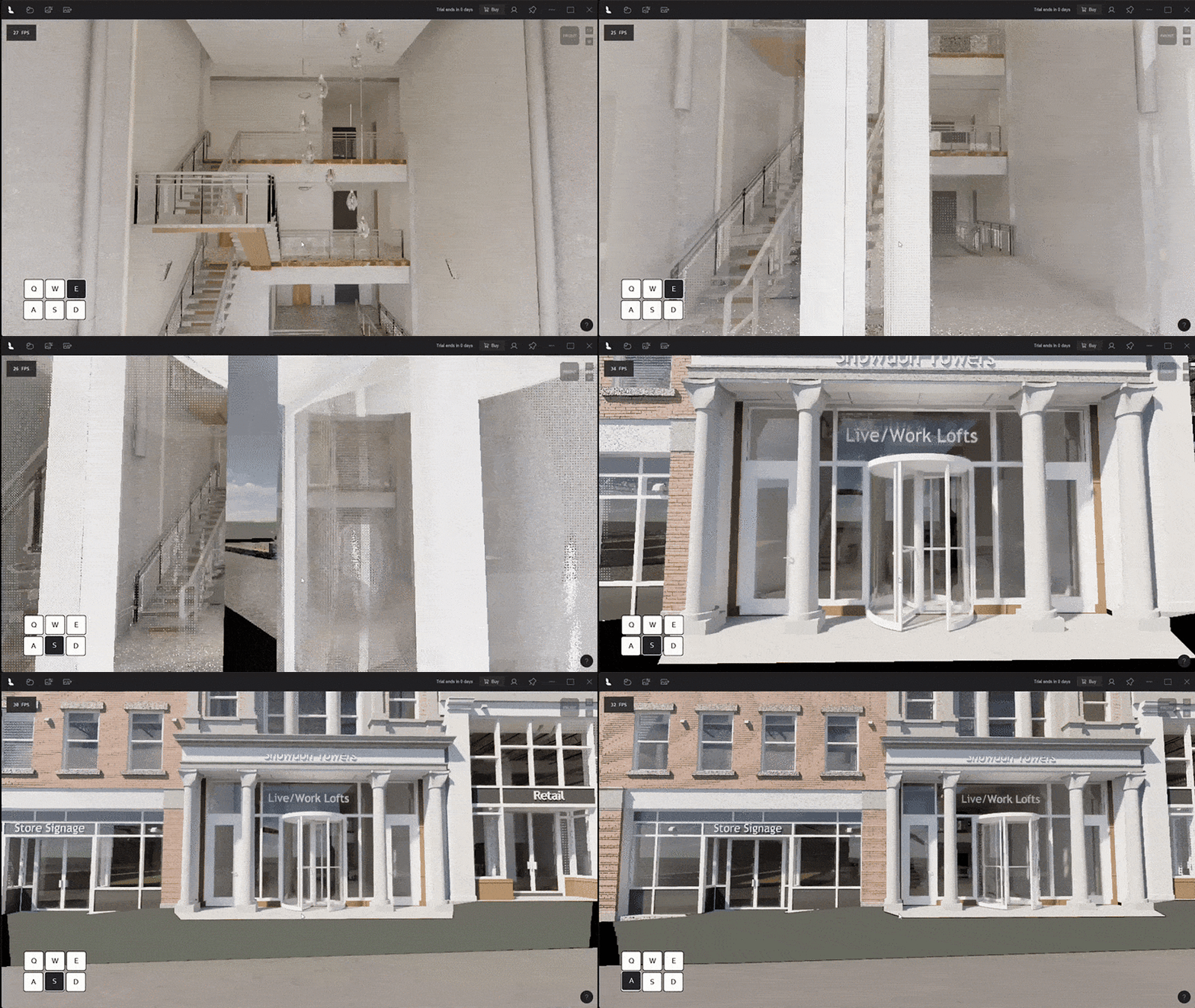
Smooth navigation
Show clients around your design with ease—give them an immersive tour using simple WASD shortcuts to glide smoothly through your model.
Sync the camera between Revit and Lumion View, then choose your camera view with hotkeys 1-9. You can also select a camera type by switching between orthographic and perspective views.
Instant renders
Need a quick visual to show your client? No problem—you can render 4K images in seconds in Lumion View, without leaving Revit. Select your desired resolution and aspect ratio, then save to file or copy to clipboard for fast sharing.
Connectivity
Transfer your model to Lumion Pro for the full toolkit of advanced features and effects. Get full creative control over context, atmosphere, and output—and tell your design story in immersive, photorealistic detail.
When your render is ready, upload it to Lumion Cloud with a click. This visual-first collaboration hub allows you to share images, videos, and panoramas among teams and clients, swap feedback by leaving comments and drawing directly on visuals, and move projects towards “approved” faster.
What next?
Lumion View for Revit is now available to download from the Autodesk App Store—try it today. To find out when it’s available for your preferred CAD or BIM software, join our waitlist.
Try Lumion Pro for free for 14 days—no payment details required. Start using Lumion Cloud now—free during Beta.