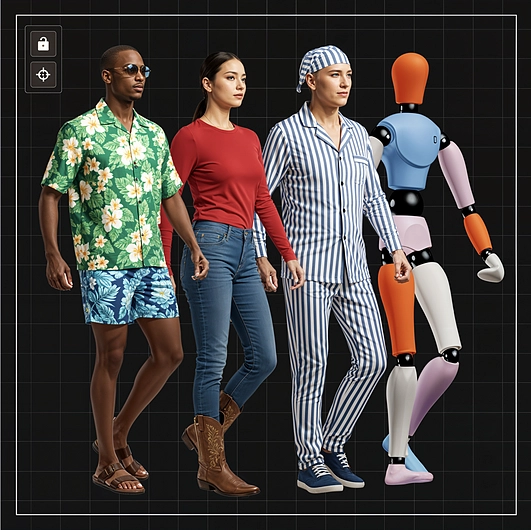
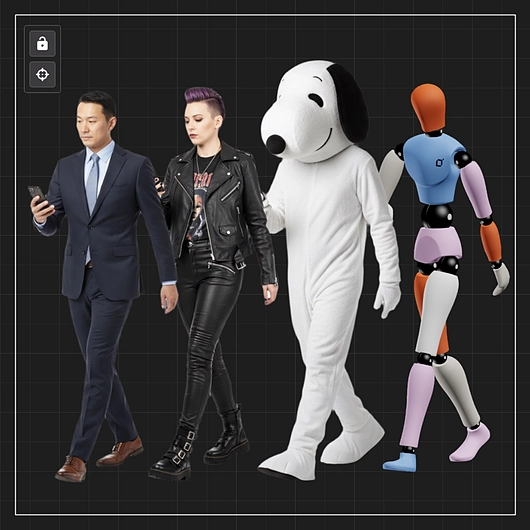
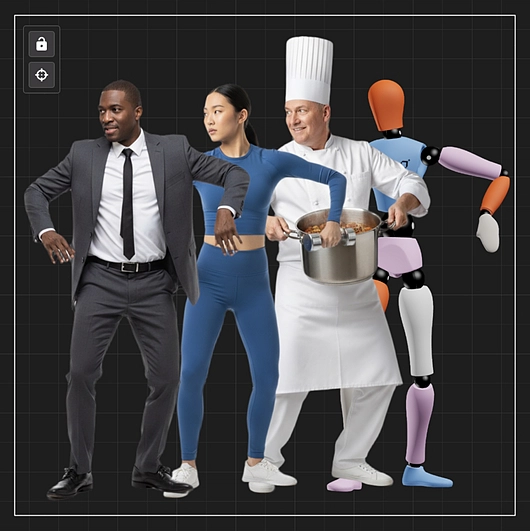
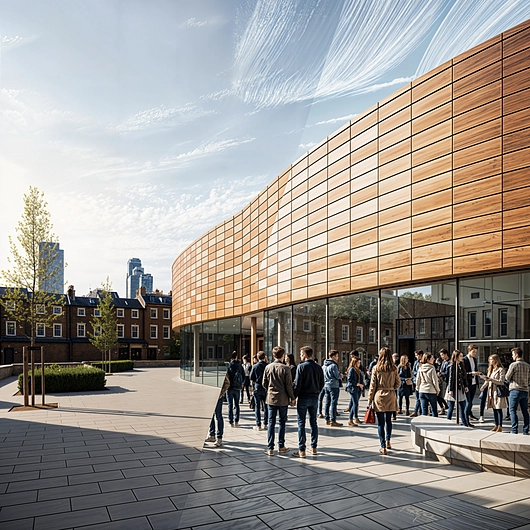
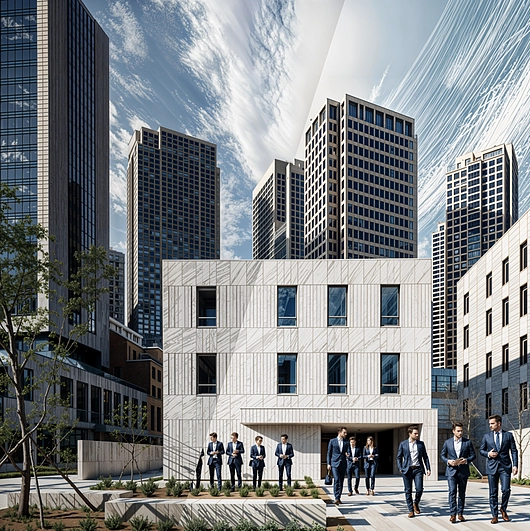
Gendo is an AI rendering platform that enables efficient visual creation and customization. An important aspect to creating captivating architectural renders is the addition of people. Without them, even realistic visualizations can appear static or disconnected from real use. Gendo features two AI-based tools designed to integrate human context into visualizations: Custom Cutout and Quick Populate. These tools allow the addition of individuals or diverse crowds to architectural scenes, streamlining workflows while maintaining accuracy and realism.
Custom Cutout: Generate Hyper-Specific PNG Figures
Traditional workflows rely on stock libraries, requiring extensive downloading, masking, scaling, and shadow adjustments. Custom Cutout simplifies this process by generating figures directly through AI, offering precise control and instant usability.
Key features:
- Real-time generation: no stock libraries, no licensing issues.
- Adjustable parameters: pose, gender, age, body type, and clothing through intuitive controls.
- High-fidelity output: transparent PNG files ready for Photoshop, diagrams, or render integration.
- Professional focus: optimized for architectural visualizers, urban designers, and content creators.
Additional functions:
- 3D mannequin interface for posing and rotation.
- Preset gestures and animations.
- Demographic control (age, gender, ethnicity).
- Prompt-based clothing and style customization.
- Precision edge quality, sharper than masked photography.
- Roadmap: lighting-aware, scene-embedded figures.
Quick Populate: Human Context at Scale
When projects require more than one figure, Quick Populate introduces entire groups into visualizations. The tool applies vision-aware segmentation to add people naturally within renders, preserving scale and architectural accuracy.
Controllable parameters:
- Crowd density: from minimal presence to busy environments.
- Age range: children, adults, elderly, or mixed groups.
- Diversity: gender, ethnicity, clothing style.
- Contextual detail: families, office workers, festival-goers, and more.
- Quick Populate ensures correct scale, natural placement, and atmosphere-aware integration, making scenes feel active and realistic.