Graphisoft is a company that specializes in the development of BIM software for the construction industry. This guide describes how to use Archicad 25 to create powerful design presentations.
Surface textures in the interior section, interior elevation, and elevation views
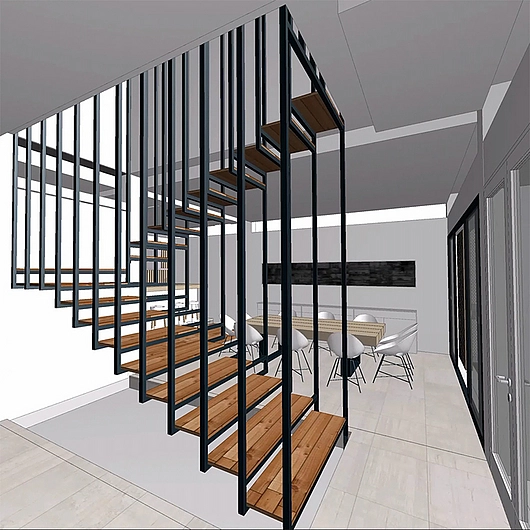
The limitations of graphing tools require time-consuming solutions and the help of external software that breaks the BIM workflow. In previous versions of Archicad, displaying high-resolution surfaces in 2D views was a restriction. However, AC25 allows you to directly display the same textures in sections, elevations, and interior elevations as those seen in the 3D window.
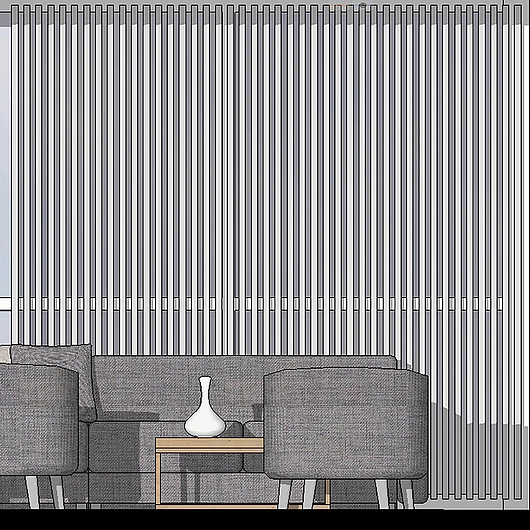
With Archicad 25, it is possible to display high-resolution surface textures in section, elevation, and interior elevation views. There is also a new realistic smooth shading option, a wraparound raster option on textures (formerly called vector raster), and the fading of distant elements. The option of realistic soft shading in textures improves the graphic representation, giving depth and highlighting details within the design.
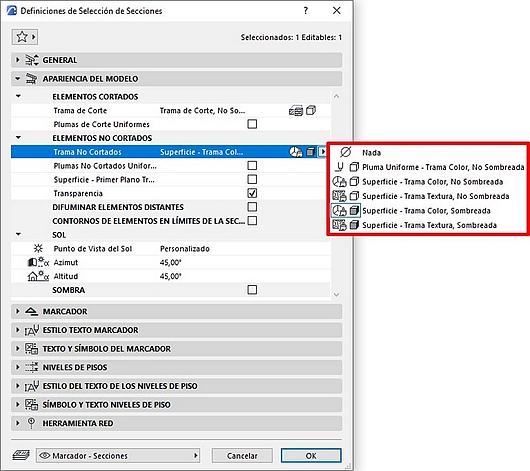
There are also new options for rendering uncut and distant elements added to the revamped 'Model Appearance' panel of the section, elevation, and interior elevation viewpoints:
- None
- Uniform Feather - Weft Color, Not Shaded
- Surface - Screen Color, Not Shaded
- Surface - Texture Screen, Not Shaded (New)
- Surface - Screen Color, Shaded
- Surface - Texture Pattern, Shaded (New)
Surface-based screens
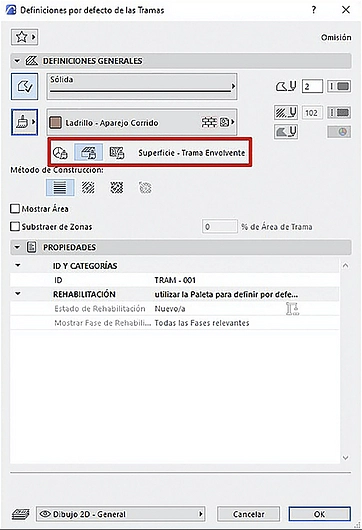
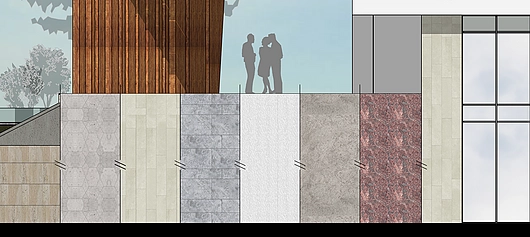
With Archicad 25, patterns can now access and display surfaces. When drawing a pattern for quick touch-ups or plant/detail presentations, you can easily apply a color, wrap-around pattern, or surface texture. You can also define the exact alignment and distortion capabilities like any other type of frame. Even if the patterns are 2D elements, they can be used to test and visualize multiple design options in various 2D views, such as floor plans, sections, and elevations without actually changing the elements.
Given these improvements in graphical rendering, it is now possible to use the rendering of uncut and distant elements to create a sense of depth in 2D views. With Archicad 25, you can expand your creativity and achieve professional visualizations without wasting post-processing time.